Before two editors share a Premiere Production: agree who owns the project
An original planning guide to project ownership, editor handoffs and clear producer status when a team uses Adobe Premiere Productions.
Original evergreen workflow guide researched October 28, 2026. Not a product launch or a hands-on software test.
Agree the human handoff
A shared editing job needs more than two people who can open the same footage. It needs a clear answer to a smaller question: who is responsible for the project at this moment? A practical handoff agreement helps an editor distinguish material that is ready to use from work that is still changing. It also gives the producer a useful status update without requiring them to inspect the timeline.
This is a planning guide, not a report of a new Adobe release or a hands-on software test. Adobe’s current Productions documentation, updated August 18, 2026, explains the relevant settings. The workflow suggestions below are original IAM editorial analysis for a small production business.
What the software documentation establishes
Adobe says editors collaborating in a Production need shared storage. Its setup guidance calls for project locking to be enabled and an identifiable user name. Production settings apply across the projects in that Production, and shared scratch locations must be accessible to the editing systems. Read the current manufacturer instructions for your installed version before changing a working setup.
Those settings describe a technical arrangement. Your team still needs to decide which person makes which change, when an edit is ready for review, and who communicates with the client. Treat that agreement as part of the job brief rather than an assumption everyone will infer from a folder name.
Give the handoff a specific owner
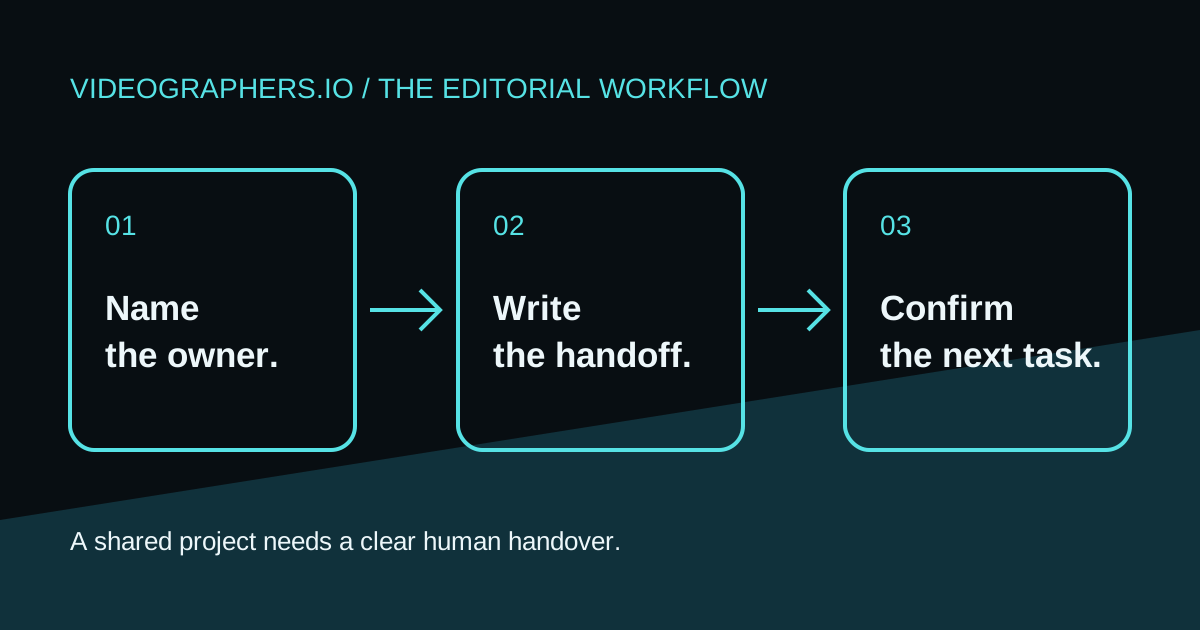
Consider a fictional two-person interview edit. One editor assembles the story while another prepares supporting material. Write down the project or sequence each person owns and the point at which ownership changes. A useful handoff message says which version is ready, what remains unresolved, and the next editor’s task. “Latest is in the folder” leaves all three questions unanswered.
Use names that colleagues recognise. Keep the producer’s client approval decision separate from the editor’s technical handoff. A project being available to another editor does not mean the client has approved its content. Similarly, a producer’s approval email does not tell the second editor where the correct media lives.
Rehearse the arrangement before the deadline
Use disposable example material to rehearse a handoff with the people and storage you intend to use. Agree who creates the test project, who opens it next, and how you will report an unexpected condition. Record the installed software versions and the locations the team expects to use. This is a proposed internal check, not a claim that Videographers.io has tested or certified your setup.
The rehearsal should include a human explanation. Ask the receiving editor to identify the current version and describe the next task from the written handoff alone. If they need to telephone the first editor to understand a filename, improve the note before a real client deadline makes the ambiguity expensive.
Make the status useful to the producer
A concise status note can contain five fields: responsible editor, current project/version, work completed, unresolved decision, and next handoff. Keep private footage and access details in the team’s authorised workspace. A public marketing case study should describe the process without exposing client material or suggesting permission that has not been obtained.
For a production company, a dependable handoff is also a customer-experience decision. It gives the producer a basis for explaining what happens next. It does not guarantee a faster delivery or eliminate mistakes; its value is that responsibilities and unanswered questions become visible before someone promises the next milestone.
Sources and editorial context
Manufacturer guidance is credited directly below. Examples and planning recommendations are original IAM editorial analysis, not hands-on testing or measured client results.
Adobe — Configure Productions settings — source date 2026-08-18
An enquiry does not confirm a booking, availability or provider acceptance. Include your location, project scope, intended dates and contact details. Avoid sending private client footage before agreeing a secure transfer route.